

Everything you need to study calmly
Organise school
Your weekly timetable, homework still to do and upcoming tests. Open KubiSchool and see what's on today.
Study and practise
A notebook for each subject, quizzes to practise with and a focus mode for study sessions.
Help when you need it
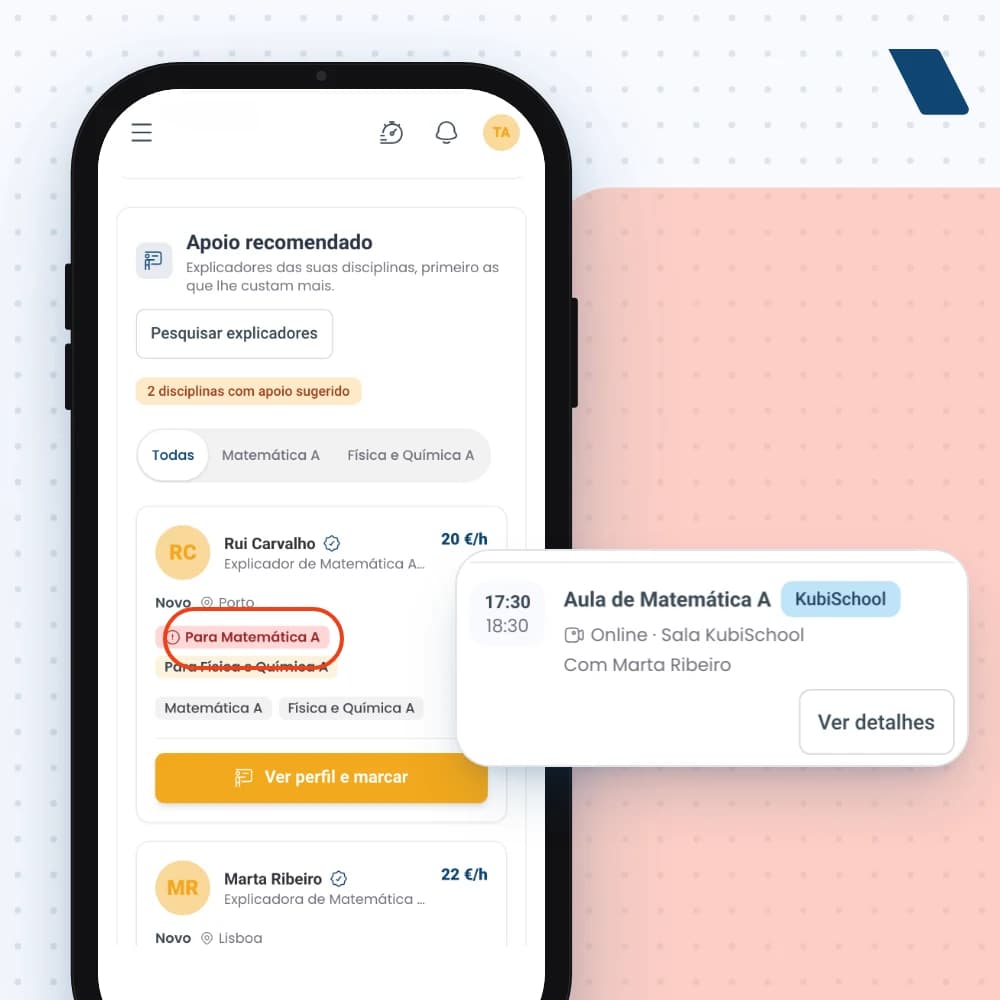
Tell us how your studies are going. If a subject gets harder, we show you tutors for that subject.
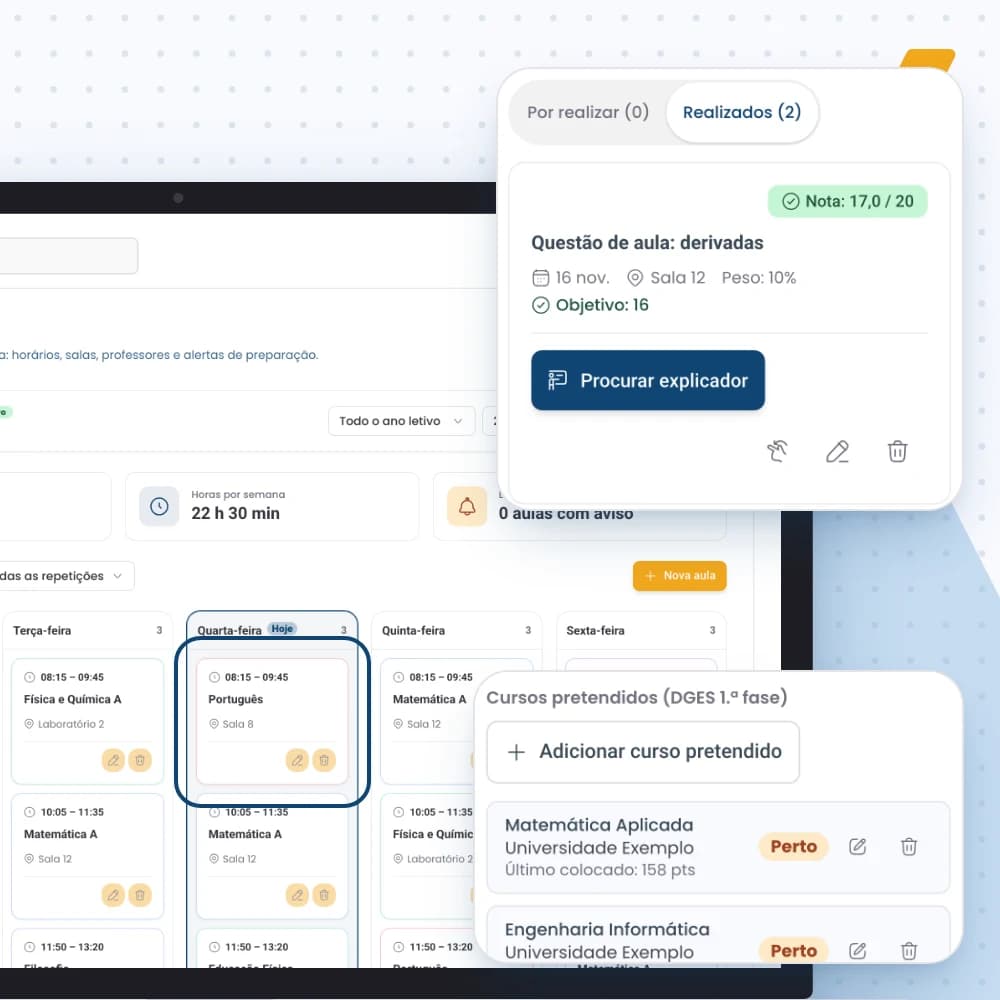
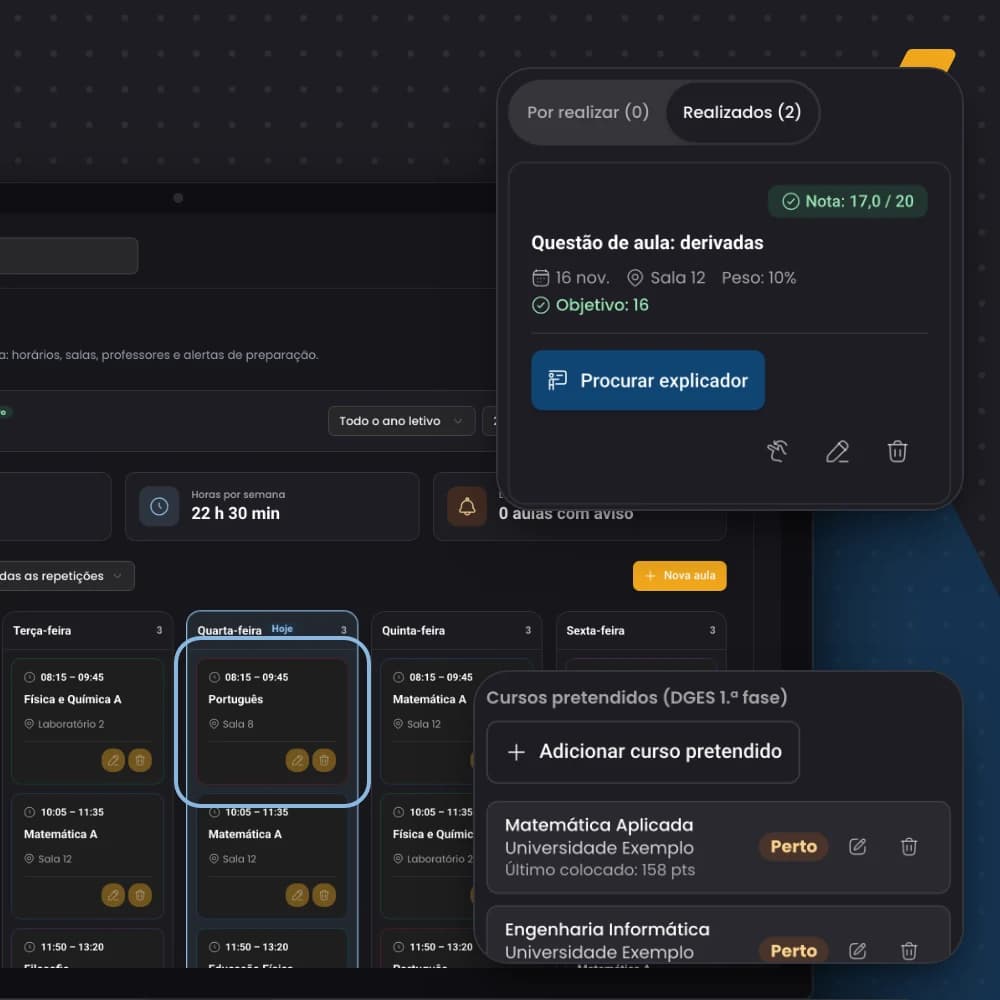
Your timetable, homework and tests in one place
Add your class timetable once and, each morning, see the day's lessons, the homework still to do and how long until your next test.
Record your test marks and see your internal grade for each subject. In secondary school, estimate your national exam mark and your application average for the courses you want.
You can also see your tutoring lessons in Google Calendar, the iPhone calendar or Outlook.
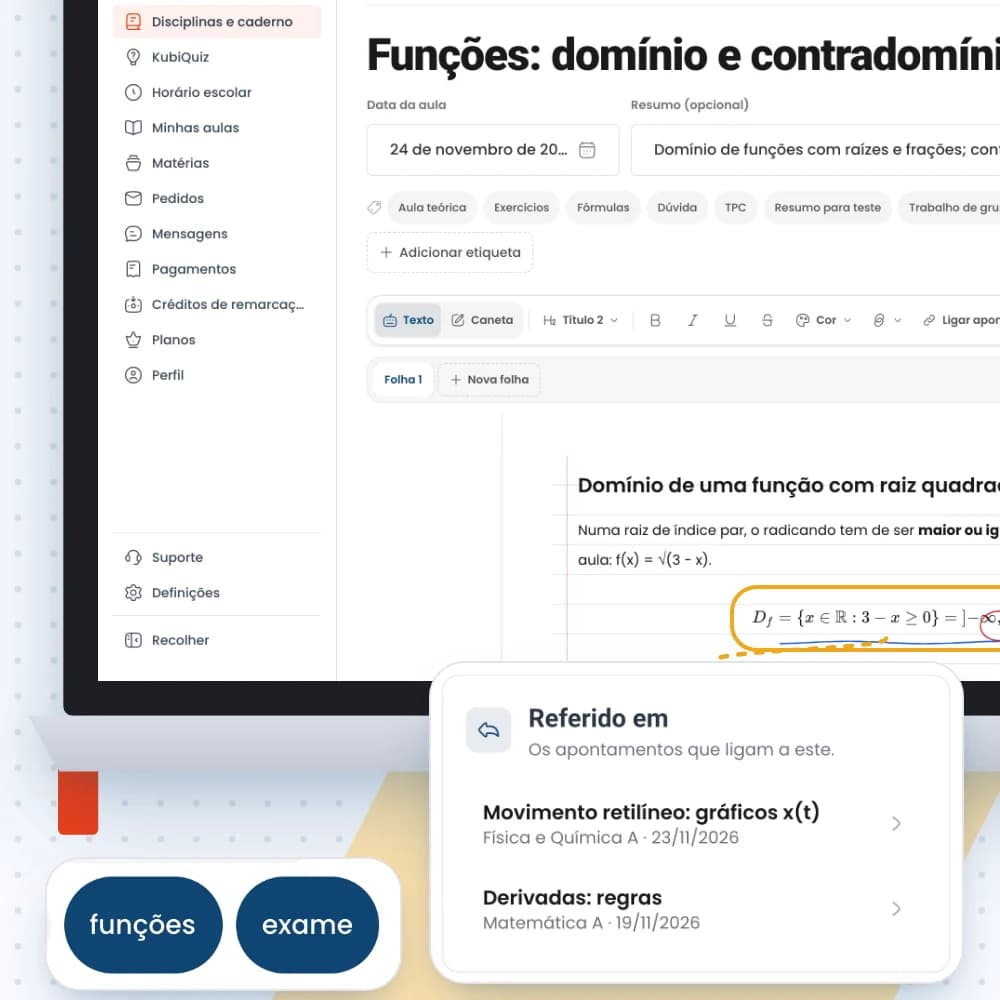
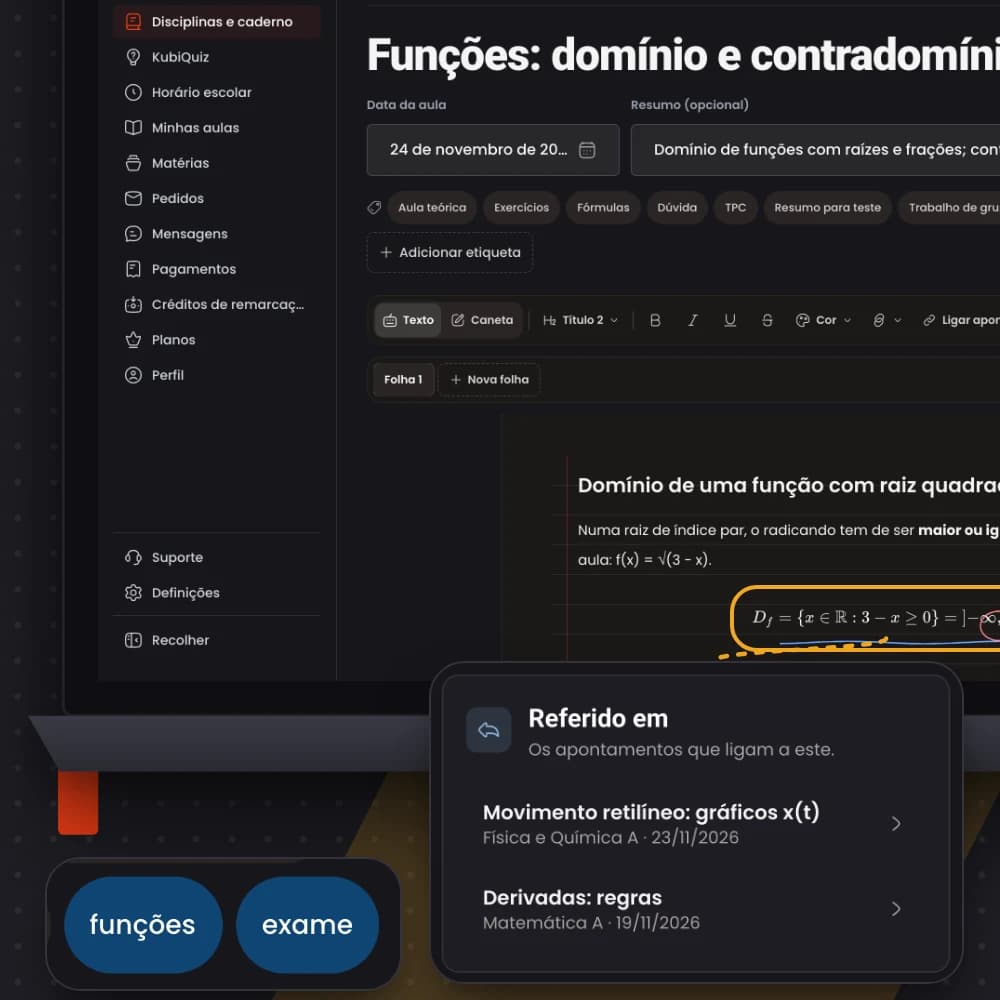
Notes for every subject, always to hand
A notebook for each subject, with text, pen, formulas, images and the camera to scan pages. Tags help you find the topic the night before a test. What you write is saved as you go, and you can print it.
Link notes to each other, across any subject, and see where each note is mentioned.
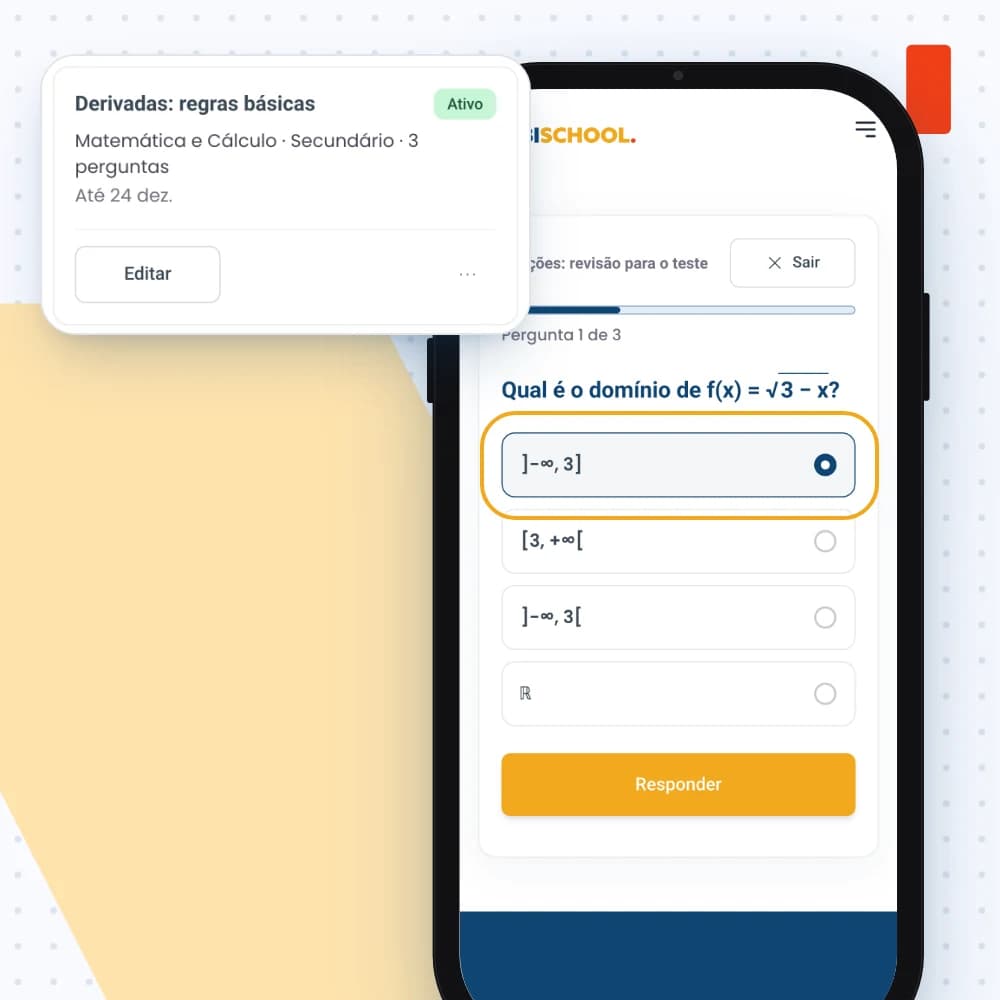
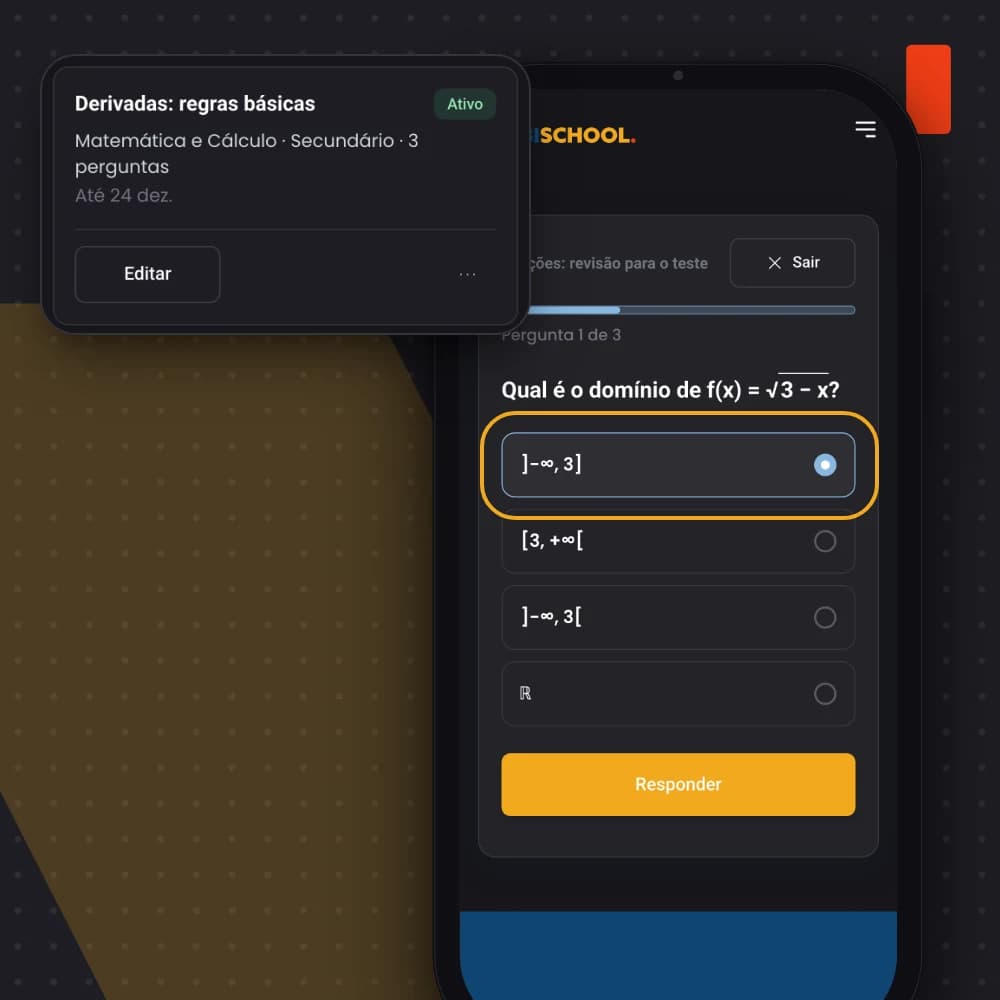
Practise with quizzes and challenge your class
Create a multiple-choice or true/false quiz, with an explanation for each answer. Share the link or the QR code: anyone who receives it can play straight away, without creating an account.
With an account, you keep your history, review your answers and receive the quizzes your tutor sends you. If you like, you can join the leaderboard with a nickname, never with your name.
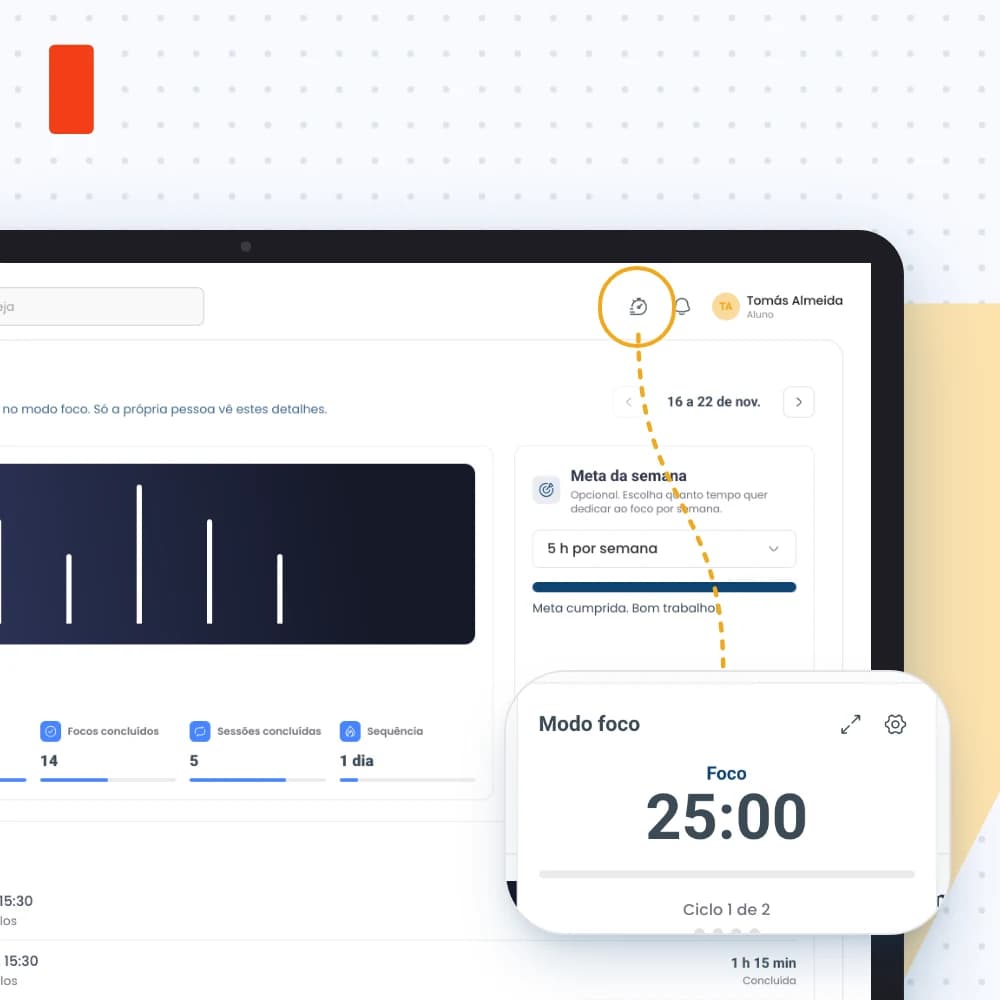
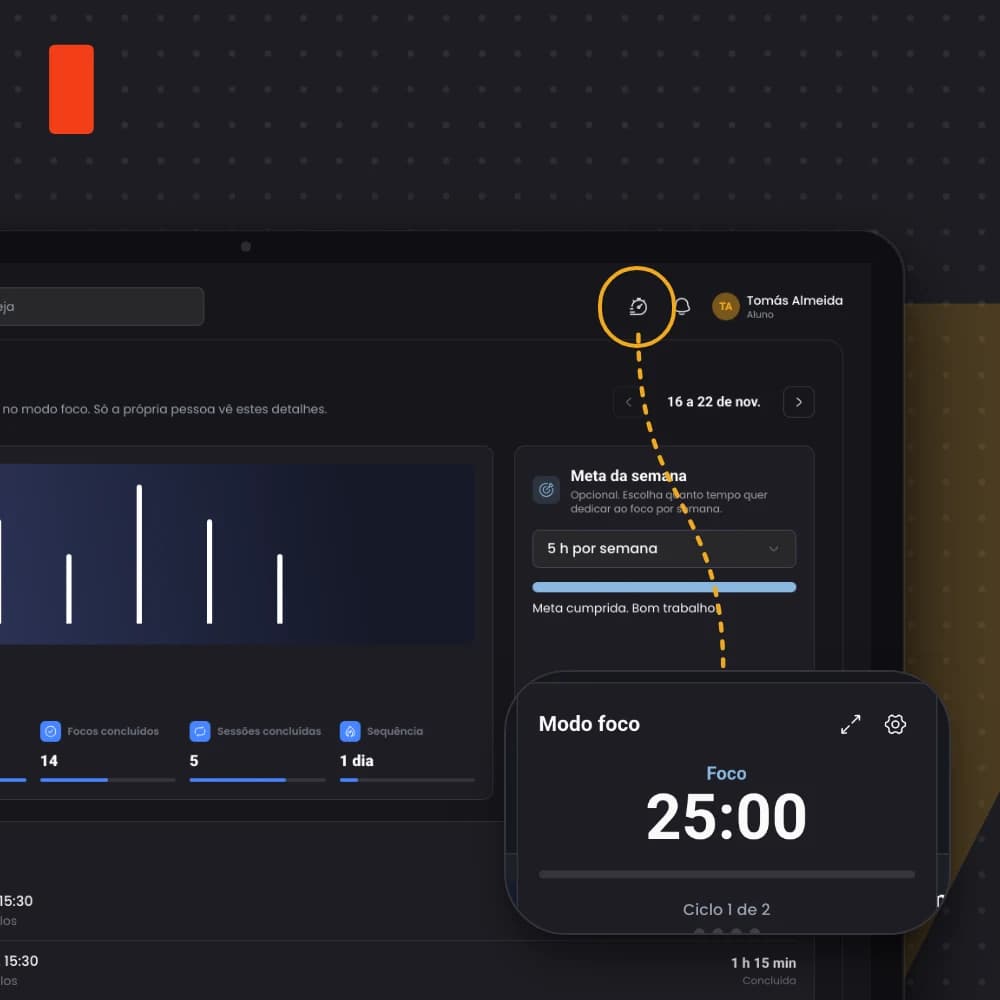
Study sessions with breaks at the right time
Start the timer at the top of any page, with the focus and break times you prefer. It alerts you when each session ends.
If you like, save your sessions and see your focus time for each day of the week, under “My focus”.


We're preparing an AI tutor for your studies
It isn't available yet.
When it opens, we'll explain here what it does, what it doesn't do and how it handles your data. If you'd like to know when that happens, turn on “Notify me” in your account. Until then, for your questions, you have tutors with a verified identity.
The account is free. Then turn on “Notify me” in the student area.
A tutor when a subject gets harder
Answer “How are your studies going today?”: confident, on track, unsure or needing help. For the subjects you mark as difficult, we show you tutors who teach them.
The materials your tutor shares after each lesson stay in your area.
If the tutor does not accept, your money comes back automatically.
Illustrative images with fictitious data.
A day at KubiSchool
In about 30 seconds, a student's day on the platform: what's on today, the timetable, homework and tests, the digital notebook, KubiQuiz, focus mode and the right tutors for the hardest subject.
Illustrative images with fictitious data.
Video description
Video about 30 seconds long, with subtitles and calm background music, no voice. It starts on the student's Home page, with today's lessons and tasks. It moves on to the week's timetable and to the Matemática A homework and tests. In the digital notebook, it opens a note with a formula and a link to another note. It then shows KubiQuiz, with a multiple-choice question, and focus mode, with the week's study time. It ends with the question “How are your studies going today?”, the tutors recommended for Matemática A and the KubiSchool logo.
How it works
Create your student account
With your email or your Google account.
Add your subjects and timetable
Mark the ones you find hardest: those are the ones we recommend tutors for.
Study every day
Notebook, homework, tests, KubiQuiz and focus mode in one place.
Ask for help when you need it
Choose a tutor for the subject and request your lessons. If the tutor does not accept, your money comes back automatically.
Why you can trust us
Protected payment
The tutor is only paid after each lesson is given. If they do not accept the request, your money comes back automatically.Reviews only from people who booked and had lessons on KubiSchool
Your notes are yours
Tutors don't see your notebook or your answers to “How are your studies going today?”. Your parent or guardian never sees your notebook either. If you're a minor, they see other parts of your area, depending on your age: see the frequently asked questions.
Are you a parent or guardian? See what KubiSchool offers younger students. For parents and guardians →
Pricing for students
The student area is free. Tutoring is paid separately, at each tutor's price.
Frequently asked questions
No. Just open the link or scan the QR code. Without an account, we don't ask for your name or email and we don't keep your answers: the result stays only in this browser, for up to 30 days. To create quizzes and keep your history, create an account (creating quizzes is for over-18s only).
Start today with tomorrow's timetable
Add your subjects and timetable once. The rest builds up lesson by lesson.